
AI and Automation
Most useful automation is modest. It moves an order from the shop to the accounts system without anyone typing it again. It answers the forty questions customers ask every week. It flags the invoice that looks wrong before it is paid.
We build that kind of thing. We will also tell you when a task should stay with a person, because language models make mistakes and some mistakes are expensive.
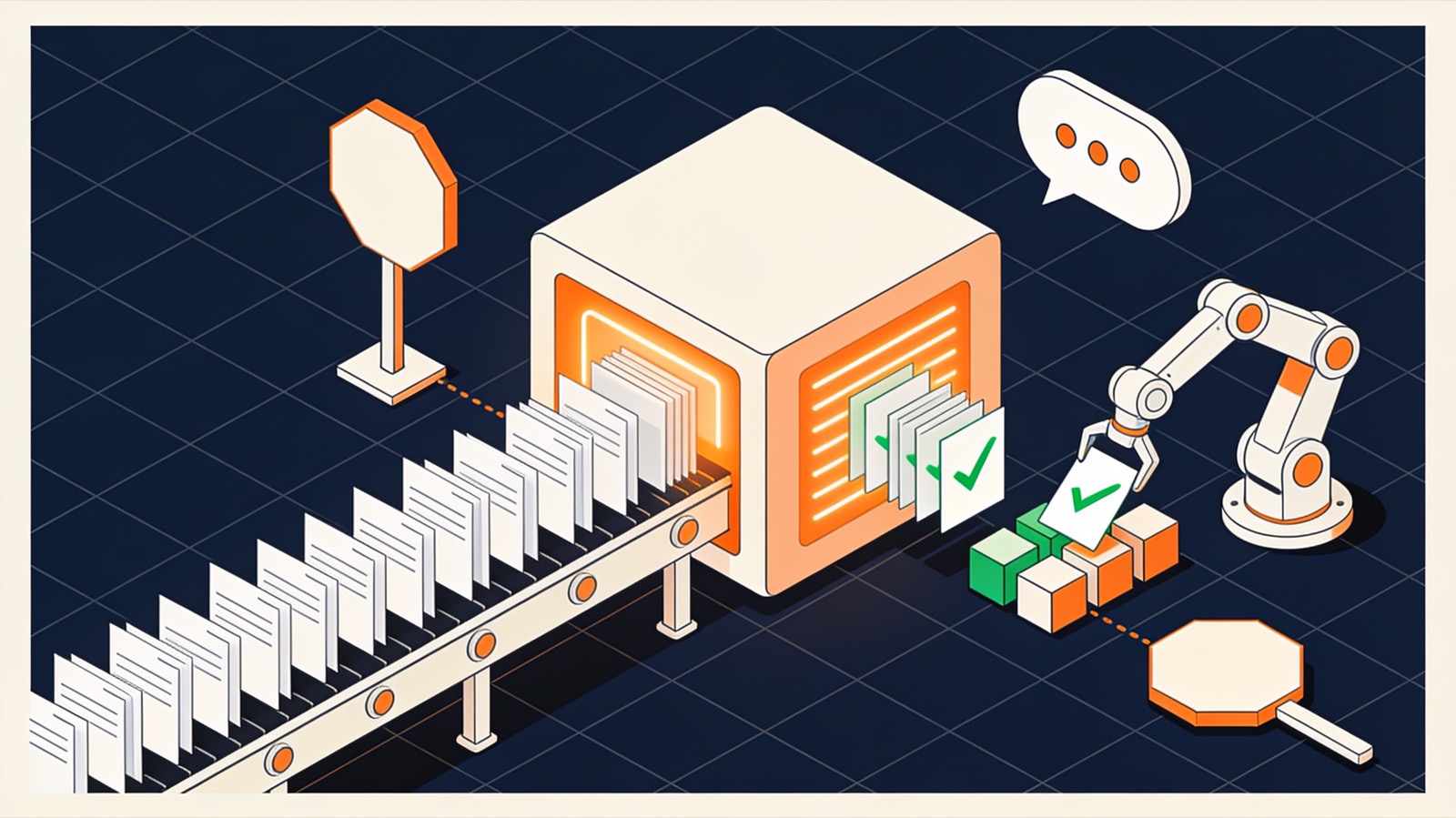
What we build in this area
Assistants
- AI virtual assistantsAnswers drawn from your own documents
- ChatbotsWebsite and WhatsApp conversations
Automation
- Workflow automationApprovals, documents, integrations
- Robotic process automationFor systems with no API
- Robotics integrationPhysical robots, connected to your systems
Data and prediction
Advice
- AI and automation consultingWhat is worth automating
Four common first projects
Each of these replaces a task people already do by hand, so there is a clear before and after to measure.
Orders into the accounts system
An order placed in the shop, on a marketplace or by email becomes an invoice in the accounting package without being typed again. Anything the matching rules cannot place goes to a person with the reason attached.
Answers from your own documents
An assistant for staff or customers that replies from your manuals, policies and price lists, shows the passage it relied on, and passes everything else to a named person.
Checking documents before they are paid or filed
Supplier invoices, delivery notes and application forms are read and compared with the order or the rule that applies. Mismatches land in a queue for someone to decide.
A weekly report nobody has to assemble
Figures from the shop, the CRM and the shared spreadsheet are collected into one summary on a fixed day, with the source of every number listed underneath.
How an automation project runs
Measure the task as it is
How often it happens, how long it takes and how often it goes wrong. Without those numbers nobody can say later whether the automation helped.
Build the smallest useful version
One input, one output, the common cases only. Unusual cases are routed to a person from the first day.
Run it beside the person
For an agreed period the system proposes and a person decides. Every disagreement is logged, and the log decides what happens next.
Hand over what it does well
Only the cases it handles reliably are left to it; the rest stay with people. The code, prompts and logs sit in accounts you own.
The assistant on this website
The chat window on this site is our own work, and it shows how we think these systems should behave.
It answers from our pages only
The assistant searches the content of this site and replies from what it finds. It has no other source.
It says when it does not know
If the site does not cover a question, the assistant says so and offers a way to reach a person.
It hands over
Enquiries go to people. The assistant collects the question; it does not negotiate or quote.
Is the task suitable for automation?
Usually yes when
- The task is frequent and follows rules a person could write down.
- Mistakes are cheap to notice and cheap to correct.
- The information needed is already in a system or a document.
Usually no when
- Each case needs judgement that experienced staff disagree about.
- A wrong answer could harm someone or cost a great deal.
- The process itself is unclear. Fix the process first.
Name one task that wastes time
Describe it as it happens today: who does it, how often, and with which tools. We reply within one business day.