
Workflow Automation
Work gets stuck between people more often than it gets stuck with them. A purchase request waits in an inbox. A signed contract sits in a download folder. A new starter has no laptop because nobody told IT.
Workflow automation moves the item to the next person, tells them it is there, and records what they decided. We connect the software you already have, through its official interfaces, and add new tools only where a gap remains.
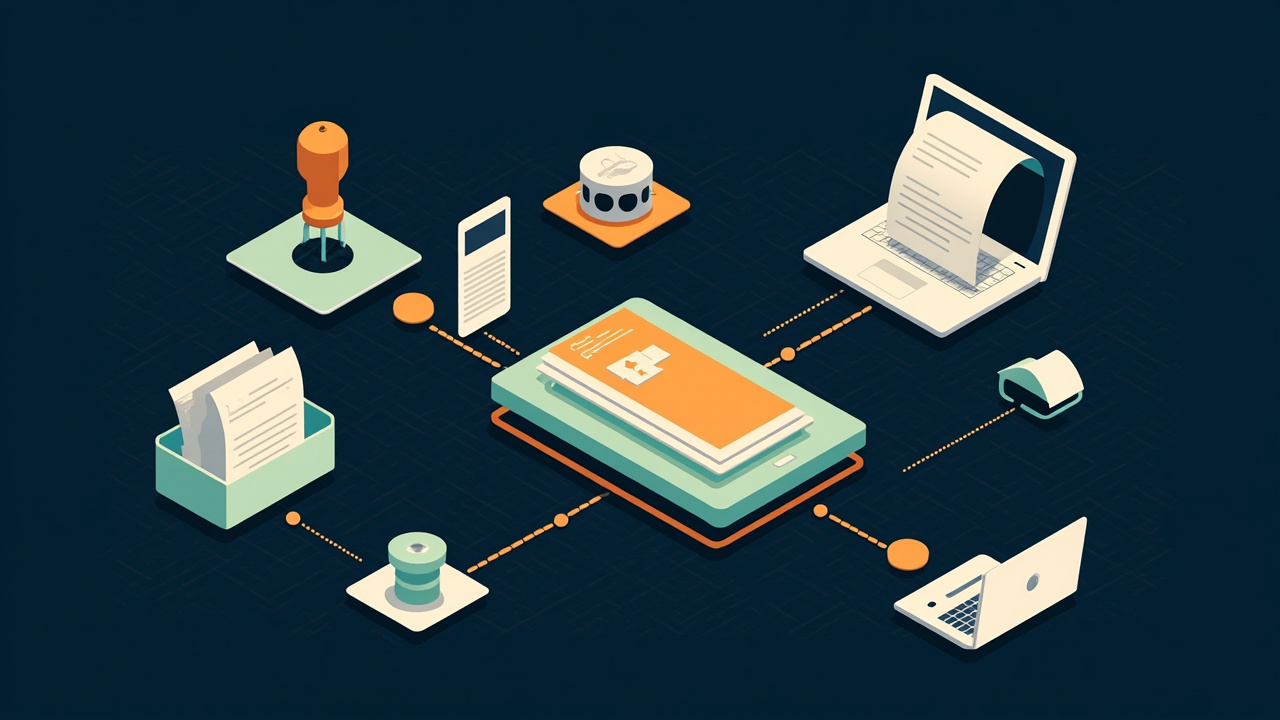
Flows we are asked to build
Most companies have some version of each.
Purchase approval
A request form, routing by amount and department, a reminder after two days, and an entry in accounts once approved.
Employee onboarding
One form from HR creates the email account request, the equipment order and the training checklist, each assigned to its owner.
Contract signature
A document is generated from a template, sent for e-signature, filed under the customer record, and the renewal date goes into a calendar.
Lead hand-off
A web enquiry becomes a CRM record, is assigned by territory, and the salesperson receives a message with the details.
Invoice chasing
Overdue invoices trigger a polite reminder on a fixed schedule, stopping the moment payment is recorded.
Incident alerts
A failed backup or a low stock level reaches the responsible person by chat message, with escalation if it is not acknowledged.
From whiteboard to running flow
A single flow usually passes through these stages quickly. The drawing takes longest.
Draw it
With the people who take part, we sketch the steps as they really happen, including the shortcuts and the exceptions.
Simplify it
Approval steps that nobody can justify are removed before anything is automated. Automating a bad process makes it fail faster.
Build in a test workspace
Using sample records, so no real customer receives a test email.
Trial with one team
Two or three weeks of real use. Wording of notifications is adjusted, since that is what people complain about.
Hand over
A one-page description, a named owner inside your company, and a log they can read.
What keeps an automation dependable
Flows fail quietly unless they are designed not to.
Failures are visible
When a step errors, a person is told. The item is retried a set number of times and then parked in a list for attention.
Running twice does no harm
If a webhook is delivered again, the flow recognises the record and does not create a second invoice.
People can override
A manager on leave can delegate. An urgent request can skip the queue, with the reason recorded.
Fewer notifications
Alerts that fire too often are ignored. Routine updates are batched into a daily digest, and only exceptions interrupt.
Credentials are not personal
Connections use a service account. When the employee who set it up leaves, nothing stops.
Tools we connect and build with
Low-code platforms are quick for simple flows. Code is better once there are many branches or high volume.
- Automation platforms
- n8nZapierMakePower Automate
- Office suites
- Microsoft 365Google Workspace
- Messaging
- SlackMicrosoft TeamsEmailWhatsApp
- Custom code
- Node.jsPythonPHP / Laravel queues
- Interfaces
- REST APIsWebhooksSFTP file drops
Is this flow ready to automate?
Ready when
- Everyone involved describes the steps the same way.
- The tools concerned offer an API or a connector.
- There is a person who will own the flow after we leave.
- Exceptions are known and fairly few.
Not yet when
- The process changes each time depending on who is asked.
- Approval depends on a conversation, not on information in a form.
- The main system is about to be replaced.
- The task occurs so seldom that a checklist would do.
What workflow automation costs
Our rates are published. Pick the role and move the sliders for an indicative budget.
Rate card
| Role | Hourly | Monthly* |
|---|---|---|
| Frontend / WordPress | $30 | $4,800 |
| Backend / API | $32 | $5,120 |
| Full-stack | $35 | $5,600 |
| Mobile (React Native / Flutter) | $35 | $5,600 |
| DevOps / Cloud | $40 | $6,400 |
| AI / Automation engineer | $45 | $7,200 |
| QA / Test engineer | $25 | $4,000 |
| UI / UX design | $28 | $4,480 |
*160 hrs/month full-time. Rates are indicative for planning, in USD (other currencies are converted at an indicative rate), and depend on seniority, contract length and timezone overlap. Longer engagements and multi-role teams are discounted — ask.
Often asked
Low-code platform or custom code?
A platform for flows with a few steps and moderate volume, because your staff can edit them. Code for complex logic, large volumes, or data that may not pass through a third-party service.
What do automation platforms cost?
Most charge by the number of tasks or runs per month. We estimate your volume and show the subscription cost beside the build cost.
Can it be hosted on our own server?
Yes. n8n can be self-hosted, and custom code runs wherever you choose. Data then stays inside your network.
What if one of our tools has no API?
Then a screen robot or a scheduled file export may fill the gap. We explain the trade-off before proposing it.
Who fixes it when a vendor changes something?
The flow owner sees the failure alert. They fix it with the hand-over notes, or ask us under a retainer.
Pick the flow that causes the most chasing
Describe who starts it, who approves it and which tools are involved. Our reply lands within one business day.